
Someone quits. Keep their mail.
A company email archive—not another inbox.
backedup.email is a searchable company email archive for Microsoft 365, Google, IMAP, and imports from PST, MBOX, and EML. Message bodies and attachments are encrypted before they land on a storage profile you choose—S3-compatible object storage, WebDAV, SFTP, or a mount—so litigation holds, continuity, and compliance do not depend on a live mailbox, a deleted seat, or a provider that still likes you. Company admins invite colleagues; each person sets their own passphrase. Admins connect and import; people with access can search, read, and export what the archive already holds. Use SMTP journal intake for continuous capture and eDiscovery when your company enables it. This is custody of history, not a place to send day-to-day mail.
When you need this
-
Someone leaves
Their mailbox gets wiped or locked. You still need the threads that ran the business.
-
Legal or audit asks
A hold, a discovery request, or an auditor who wants mail from last year—not last week.
-
PSTs everywhere
Exports on shares and laptops. You need one place to park them and open them safely.
-
Provider lock-in
Continuity should not depend on a live seat, a friendly tenant admin, or “export later.”
Find it when legal, ops, or audit asks
How it works
-
Connect or import
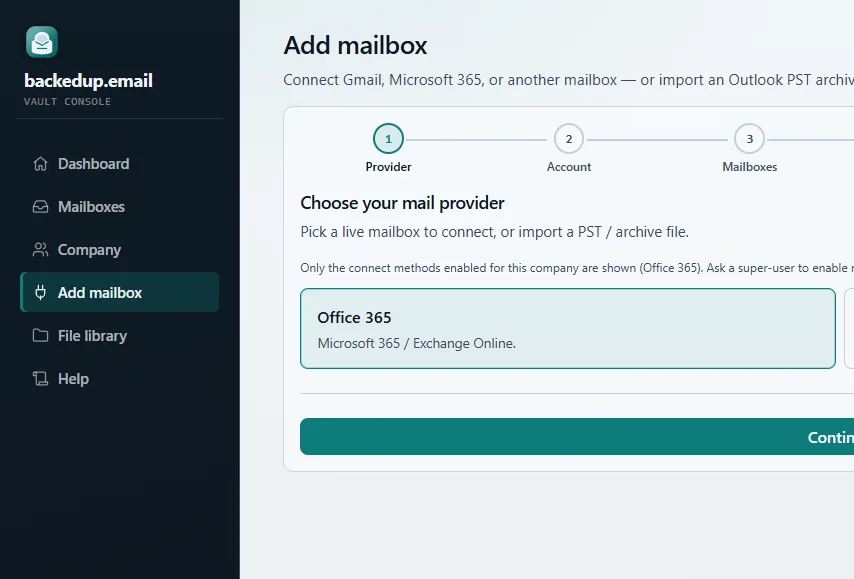
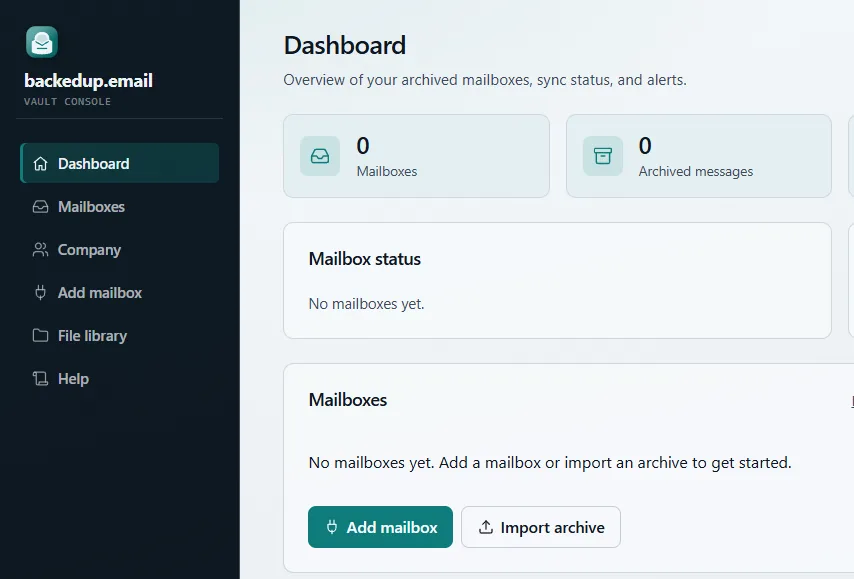
Link Microsoft 365, Google, or IMAP—or bring PST, MBOX, and EML into the company vault.
-
Encrypt into your storage
Bodies and attachments land encrypted on a storage profile you choose. Each mailbox stays pinned there.
-
Search, hold, export
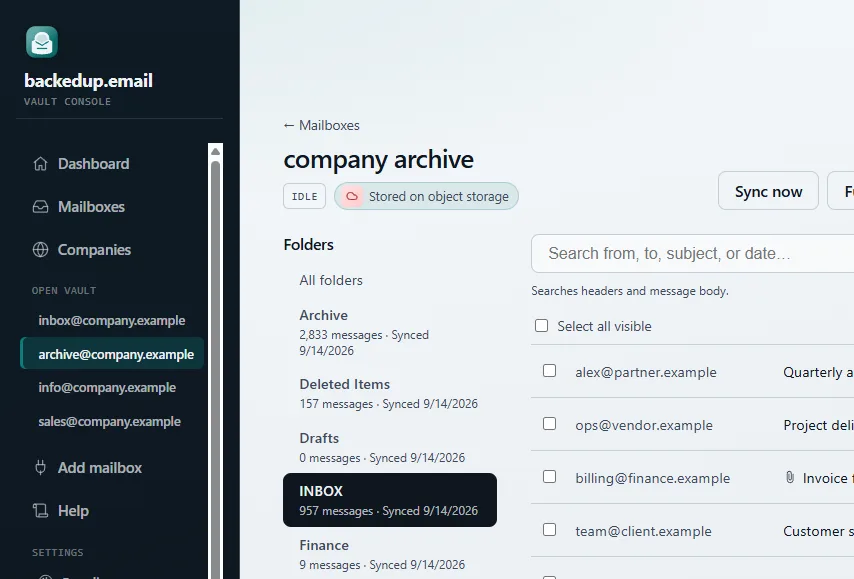
Browse and search the archive, invite the people who need access, and export when the case or audit requires it.
What Exchange Online Archiving does not solve
Microsoft 365 can keep mail in the tenant. That is not the same as an independent company email archive you still open after offboarding, PST dumps, or a messy export.
-
Mailbox deletion and offboarding
When a seat is gone, recovering history from native archive and litigation hold workflows is slow and tenant-bound. An independent vault still has the mail.
-
PST and file sprawl
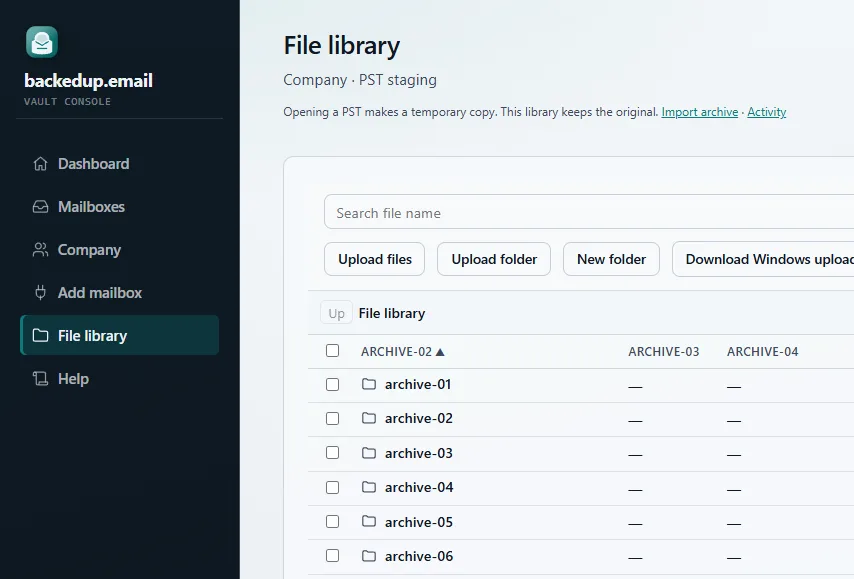
Exports land on shares and laptops. The file library parks them and opens temporary views without creating another live mailbox.
-
Storage and keys you choose
Bodies go to a storage profile you configure. Continuity is not only “as long as the Microsoft tenant and licensing stay friendly.”
What you get
- Live sync from Microsoft 365, Google, and IMAP
- Import PST, MBOX, and EML—including temporary PST views from the file library
- Searchable archive with company-scoped access
- Passphrase-wrapped encryption for bodies and attachments
- Storage profiles you control (S3-compatible, WebDAV, SFTP, mounts)
- Company invites so each person sets their own passphrase
- eDiscovery when your company enables it
- SMTP journal intake for continuous capture
You hold custody. Not another rented inbox.
Searchable headers. Locked bodies.
Dates and headers stay findable so people can locate a message. Bodies and attachments are encrypted with a mailbox key that only an unlocked passphrase can unwrap.
Storage is yours to choose—S3-compatible, WebDAV, SFTP, or a mount—and each mailbox stays on the profile it was written to. No provider lock-in for the blobs that matter.
Company first. Then the people in it.
Admins invite colleagues by email. The link opens the vault at app.backedup.email, where each person sets their own passphrase.
Everyone sees the mailboxes for their company. Admins connect and import. Anyone with access can search, read, and export what the archive already holds—without waiting on an IT ticket to restore a deleted mailbox.
Questions CTOs ask
- Who can read message bodies?
- Headers and dates stay findable for search and lists. Bodies and attachments decrypt only when a session is unlocked with the user’s passphrase.
- Where do the blobs live?
- On a storage profile you configure—S3-compatible object stores, WebDAV, SFTP, or a mount. Mailboxes stay on the profile they were written to.
- Who sees which mail?
- Access is company-scoped. Admins connect and import; people you invite can search, read, and export what that company archive already holds.
- Is this another inbox?
- No. It is an archive you hold—for continuity, holds, and export—not a place to send and receive day-to-day mail.
- Doesn’t Microsoft 365 already archive email?
- Exchange Online Archiving keeps mail in Microsoft’s world. backedup.email keeps an independent copy you can still search after a mailbox is deleted, when PSTs pile up, or when you need storage and keys outside the tenant.
Who runs this
backedup.email is operated by Outsource Information Systems—the team behind the vault console at app.backedup.email. We build and run the archive product: sync and import paths, encryption, storage profiles, company invites, and the contact path on this site. Talk to us when you need an independent copy of company mail you can still search after the mailbox is gone.
Talk through your archive
Offboarding risk, a hold you need to keep, or a pile of PSTs sitting on a share—tell us what you’re facing. We read every message.